

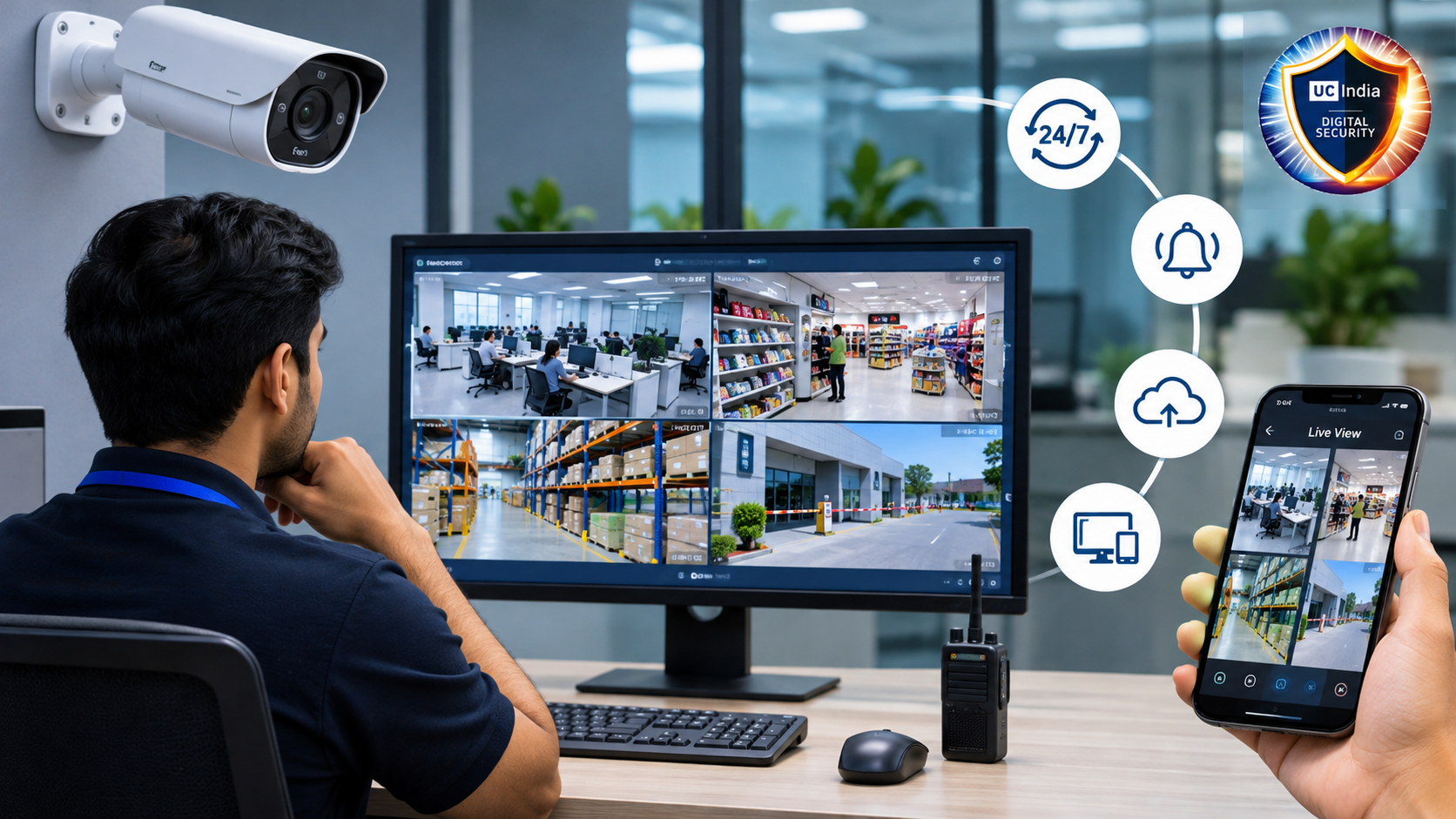
Live remote CCTV monitoring allows authorised personnel to view camera feeds from a monitoring location rather than having to be physically present at the property. For offices, shops, warehouses and other commercial premises, it can be an important part of a wider security arrangement.
With remote CCTV monitoring services, businesses can keep an eye on their property, see what’s happening through their cameras and receive alerts for supported incidents. However, cameras alone cannot make an effective monitoring system. Camera placement, internet connectivity, monitoring hours and incident response procedures must be planned properly.
Whether you run a single retail location or manage several commercial buildings, understanding remote monitoring can help you choose the right security solution.
How Does Live Remote CCTV Monitoring Work?
A remote CCTV monitoring system uses security cameras connected to a compatible network and recording system to capture and transmit video. Authorised personnel can view camera feeds through approved monitoring software, computers or mobile devices.
Monitoring may be scheduled for selected hours or arranged for continuous coverage, depending on the equipment and service arrangement.
Main Features of a Remote CCTV Monitoring System
- Security Cameras: Capture video of entrances, exits, working areas and other important locations.
- Internet Connectivity: Allows video from supported cameras and recording systems to be accessed remotely.
- DVR/NVR: Stores and manages footage, depending on the system configuration.
- Monitoring Software: Allows authorised users to view camera feeds and access supported features.
- Monitoring Staff: Review camera activity according to the agreed service arrangement.
A well-designed CCTV camera monitoring system allows businesses to monitor their premises without needing someone to remain physically present all the time.
Check Your Camera and Internet Setup
Before starting remote monitoring, inspect the existing camera installation and network infrastructure. Cameras may be positioned incorrectly, video quality may be unclear or the internet connection may be unstable.
Things to Verify Before Installing
- Camera Placement: Cameras should cover entrances, exits, reception areas, storage spaces and other important locations.
- Image Quality: Verify that cameras provide clear video during normal operating hours.
- Night Vision: Ensure cameras can capture useful footage in low-light conditions.
- Network Stability: Make sure your internet connection supports the required video transmission.
- Backup Power: Consider backup power options to minimise interruptions during power outages.
- Equipment Compatibility: Ensure cameras, recording devices and monitoring software are compatible.
For businesses with multiple locations, careful planning of the network and camera system can make remote video surveillance easier to manage.
Decide How to Handle CCTV Alerts
Modern CCTV systems can support motion detection and other event-based alerts. Authorised users can receive notifications about activity that may require attention.
However, an alert does not automatically mean an incident has been verified. Businesses need a clear process for reviewing notifications and deciding what action to take.
Develop a Clear Alert Response Procedure
Decide the following before starting monitoring:
- Who will receive CCTV alerts?
- Who will review and verify notifications?
- How will suspicious activity be identified?
- Which manager or security contact should be informed?
- How will incidents be recorded?
- What action should be taken if an urgent situation is identified?
A clear escalation process makes live CCTV monitoring for businesses more organised and reduces confusion when an alert is received.
Do not rely on automated notifications alone without a proper verification and response procedure.
Define Monitoring Hours and Responsibilities
Security requirements differ for every business. A retail store may need monitoring when it is closed, while a warehouse may require coverage during loading, unloading and overnight operations.
Speak to your CCTV monitoring service provider about the exact coverage you need before deciding on a service.
Questions to Ask Your Monitoring Service Provider
- Which cameras and locations will be monitored?
- Do you need 24/7 monitoring or only selected hours?
- Who will review camera activity?
- What happens if suspicious activity is identified?
- Who will receive incident alerts?
- What is included in technical support?
- How are service interruptions handled?
If your business requires 24/7 CCTV monitoring, ensure the exact operating hours, camera coverage, response arrangements and service responsibilities are confirmed in writing.
Not all cameras and features will automatically be covered under a monitoring contract.
Manage User Access and CCTV Video Security
Security monitoring also involves controlling recorded video and managing access to it. Businesses should establish proper access policies to protect surveillance information.
Best Practices for CCTV Access and Privacy
- Create separate accounts for each authorised person.
- Use strong passwords and never share login details.
- Assign access permissions according to job responsibilities.
- Remove employee access when it is no longer required.
- Decide how long recorded footage should be retained.
- Define who can download or export recordings.
- Maintain a process for handling footage requests.
Businesses should also communicate relevant surveillance practices to employees and visitors in accordance with applicable requirements.
A well-managed CCTV surveillance system should meet business security requirements while allowing responsible access to recorded information.
Remote CCTV Monitoring for Different Business Premises
Remote monitoring requirements depend on the type of property, operating hours, camera coverage and security priorities.
1. Commercial Offices and Corporate Buildings
Offices may use remote CCTV surveillance to monitor reception areas, entrances, corridors, parking spaces and other common areas.
Authorised personnel can review camera activity when the office is closed or when management teams are working from another location.
2. Retail Shops and Shopping Locations
Retail businesses can use CCTV monitoring for shops to review activity around entrances, billing counters, storage areas and other important sections.
Owners and managers can view their premises remotely when they are not physically present.
3. Warehouses and Storage Facilities
Warehouses are usually large and have several entrances, loading areas and inventory storage sections.
A proper warehouse CCTV monitoring system helps authorised personnel maintain visibility across these locations and review recorded footage whenever required.
4. Residential Societies and Commercial Complexes
Residential societies and commercial complexes need to monitor entrances, parking areas, common spaces and boundary sections.
A live CCTV monitoring for societies arrangement can support security teams in reviewing camera feeds and handling reported incidents.
What to Consider When Choosing a CCTV Monitoring Company
Price should not be the only factor when choosing a monitoring provider. Businesses need to understand what equipment, coverage and responsibilities are included in the proposed service agreement.
Important Factors to Compare
- Coverage: Check which cameras and locations are included.
- Service Availability: Confirm the actual monitoring schedule.
- Incident Response: Understand how alerts and incidents are handled.
- Technical Support: Ask about camera and connectivity support.
- Recording Access: Find out how to view and download recordings.
- Service Agreement: Understand service limitations, responsibilities and charges.
- Scalability: Ensure additional cameras or locations can be added later.
Businesses can plan a monitoring arrangement that suits their operational requirements by selecting a reliable CCTV surveillance solutions company.
Discuss Your Site’s Remote CCTV Monitoring Plan
Remote monitoring requirements differ between retail shops, offices, residential complexes and warehouses. The number of cameras, internet availability, operating hours and response arrangements all influence the setup.
Digital Security Guard can discuss camera coverage, monitoring requirements, alert management and support needs to help you plan a suitable arrangement for your premises.
If you need monitoring for one or more commercial properties, share your camera count, site details and monitoring requirements to discuss a suitable solution.
(FAQs)
1. What Is Live Remote CCTV Monitoring?
Live remote CCTV monitoring allows authorised personnel to view security camera feeds remotely using compatible cameras, network connections and monitoring software.
2. How Does Remote CCTV Monitoring Work?
Cameras capture video and send it through a compatible network and recording system. Approved monitoring software or devices allow authorised users to access live feeds.
3. Is 24/7 CCTV Monitoring Available for Businesses?
Yes, continuous monitoring can be arranged depending on the provider, equipment and agreed service scope. Always check the actual coverage hours and responsibilities.
4. Do I Need Internet to Monitor CCTV Remotely?
Remote viewing generally requires a suitable network connection for video transmission. Exact requirements depend on the camera system, recording equipment and monitoring arrangement.
5. Can I View My CCTV Cameras on My Phone?
Yes, compatible CCTV systems allow authorised users to view camera feeds through supported mobile applications. Access depends on equipment configuration and network availability.
6. Does Remote CCTV Monitoring Work for Warehouses?
Yes, remote monitoring can be used by warehouses to monitor entrances, loading zones, storage areas and other important locations.
7. What Happens When a CCTV Motion Alert Is Received?
The alert can be reviewed by an authorised person or monitoring team according to the agreed response procedure. The next step depends on the event and the business’s escalation process.
8. How Do I Select a CCTV Monitoring Service?
Check monitoring hours, camera coverage, technical support, alert handling procedures, access to recordings and service agreement terms before choosing a provider.