

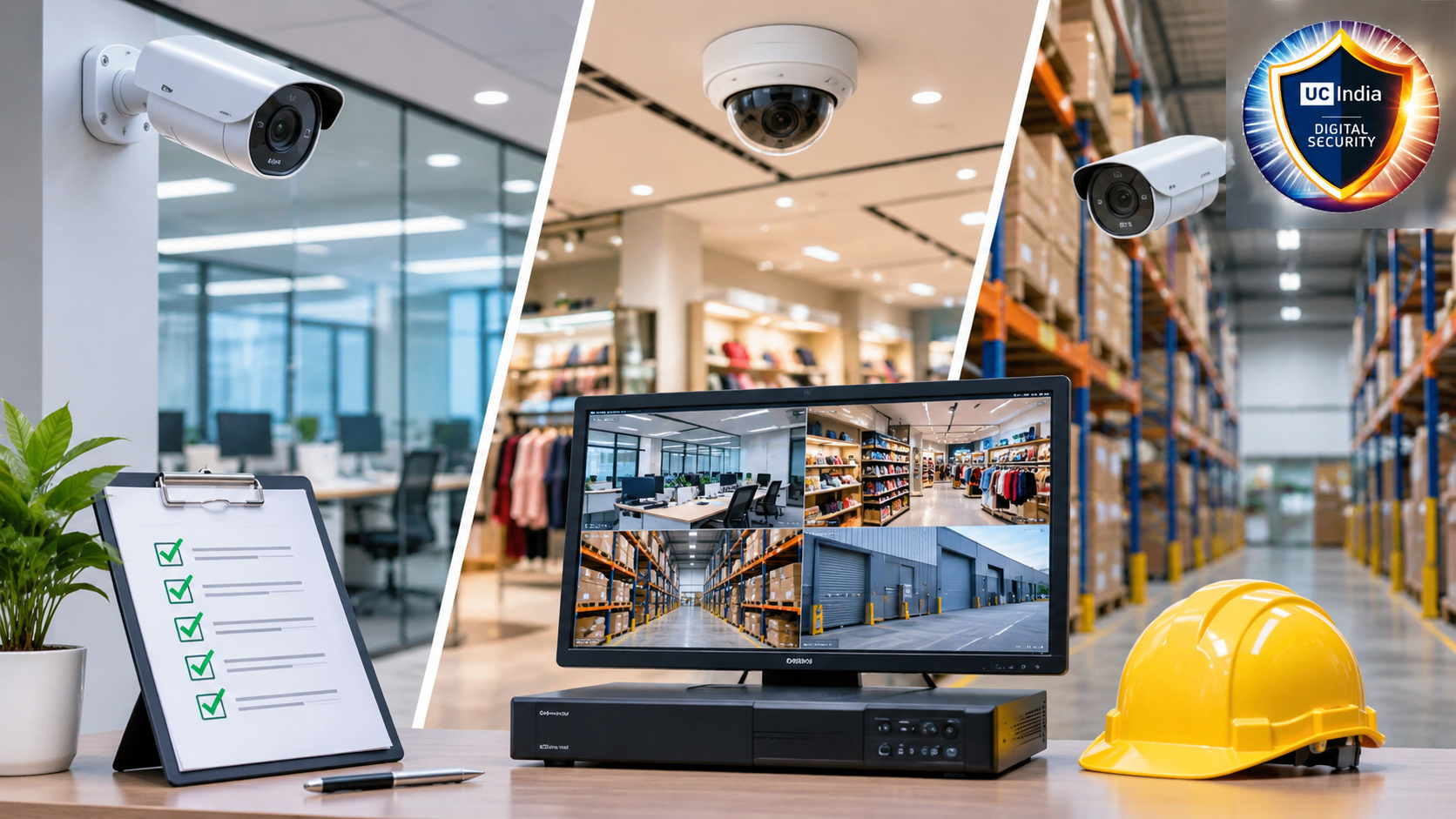
Commercial properties such as offices, retail stores and warehouses are secured using closed-circuit television systems. But cameras are only the beginning. Regular maintenance is also important to make sure the cameras capture clear footage, recordings are saved correctly and the whole system works when needed.
CCTV performance can deteriorate over time due to dust, loose connections, network problems, storage limits and outdated settings. A camera may be working, but the recording function may have stopped or its view may be blocked.
Having a good CCTV maintenance checklist allows businesses to identify these problems early and maintain reliable security coverage. Whether your company is a small retail outlet, corporate office or a large warehouse, regular checks can help you stay ahead of unexpected issues.
1. Go Through All the CCTV Camera Views
Check the live stream of every installed camera first. Ensure that each camera is facing the correct direction and there are no blind spots due to furniture, shelving, equipment or changes in the layout of the property.
Here’s What You Should Check:
- Inspect the camera lens for dust, fingerprints and watermarks.
- Clear away spider webs and other debris.
- Check the camera brackets and mounting points.
- Ensure entrances, exits and main work areas are visible.
- Note changes in lighting that can affect image quality.
If you have a CCTV camera monitoring setup for your business, you need clear camera views to identify incidents and review recorded footage.
This is especially important for warehouses where the arrangement of stock or positioning of equipment may change frequently.
2. CCTV Recording and Playback Check
Just because there’s a live camera feed doesn’t mean footage is being recorded. Recording failures can go unnoticed until someone needs to investigate an incident.
Make sure all cameras connected to the DVR or NVR system are recording properly.
What Should You Check?
- Make sure all cameras are recording.
- Check motion-based and 24-hour recording schedules.
- Play videos from recent dates and times.
- Confirm recordings are available for all critical cameras.
- Check the system for recording faults.
- Make sure the date and time are correctly set.
If you have a professional video surveillance system for your business, you should add playback testing to your regular maintenance routine.
Keep your system’s date and time updated. Incorrect timestamps can also make it harder to investigate incidents.
3. Check Storage Capacity and Footage Retention
CCTV footage requires sufficient storage space. If storage is full or a hard drive has failed, the system may stop recording new footage or overwrite older recordings.
Check the available storage space and review overwrite settings during maintenance.
Important Storage Checks
- Check available disk space.
- Check hard drive health indicators, if available.
- Verify that the overwrite function is correctly configured.
- Check the footage retention period.
- Make sure important recordings can be accessed when needed.
Businesses using cloud-based CCTV recording should also ensure their internet connectivity, cloud storage availability and backup settings are working properly.
The required recording time depends on camera resolution, frame rate, recording schedules and storage capacity. Storage should be selected according to the security and operational requirements of the business.
4. Test Remote Viewing and Authorised Access
Remote viewing allows owners and managers to check their premises when they are away. This is helpful for offices, retail stores and warehouses with multiple locations.
However, remote access should be tested regularly to ensure authorised users can connect without problems.
Remote Access Maintenance Checklist
- Test live viewing through the authorised mobile app.
- Check camera access through monitoring software.
- Review user accounts and permissions.
- Remove accounts belonging to former employees.
- Never share your login details.
- Change passwords according to your organisation’s security policy.
Businesses operating at multiple locations can centralise their CCTV security services and improve site visibility through reliable remote access.
5. Check Cable, Power and Network Connections
Even if your cameras are in good condition, CCTV performance can be affected by power and network issues.
Poor connections, damaged cables, unstable power supplies or network outages can cause cameras to disconnect or stop transmitting video.
When Inspecting, Look For:
- Power adapters and electrical connections.
- Ethernet and video cables.
- Damaged or loose connectors.
- Network switches and routers.
- Signs of overheating in recording equipment.
- Equipment cabinets and outdoor protection.
This is especially important for a warehouse security camera system, where cable runs can be long and there may be multiple connection points across large facilities.
All electrical repairs or modifications should be carried out by a qualified professional.
6. Test Night Vision and Lighting Performance
Many security incidents happen after business hours. This makes night vision an important part of CCTV maintenance.
A camera may produce clear footage during the day but experience problems in low light due to dirty lenses, faulty infrared LEDs or changes in surrounding lighting.
Night Vision Inspection Checklist
- Test all cameras in low-light conditions.
- Check infrared night vision.
- Look for blurry or overexposed videos.
- Watch for glare from nearby lights.
- Ensure important areas remain visible when your business is closed.
In shops, warehouses and office buildings, special attention should be paid to entrances, parking areas, loading zones and other important locations.
7. Clean Cameras and Protect Outdoor Equipment
Environmental conditions can affect CCTV cameras over time. Dust, moisture, heat and pollution can damage exposed equipment or reduce image quality.
Use only cleaning materials recommended by the manufacturer for camera covers and lenses. Avoid strong chemicals or excessive pressure.
For outdoor cameras, check the housing, brackets and cable entry points. Look for cracks, moisture or rust.
A regular cleaning schedule helps maintain clear camera views and reduces the possibility of preventable equipment failures.
8. Update CCTV Software and Firmware
CCTV recording devices and cameras may receive software or firmware updates to improve performance, fix bugs and address security vulnerabilities.
Keep your equipment updated and maintained.
Before Applying an Update:
- Check the camera or recorder model number.
- Follow the manufacturer’s update instructions.
- Back up important configuration settings.
- Use only official firmware sources.
- Install and test the system after updating.
Do not install unofficial software or switch off the power during an update. If you are unsure, ask a qualified CCTV technician to handle the process.
9. Keep a CCTV Inspection and Service Log
A maintenance log helps you keep track of the condition of your surveillance system.
If you have multiple cameras or locations, maintain a record of inspections, repairs and recurring problems.
Your Maintenance Log Should Include:
- Date of inspection.
- Camera name and location.
- Recording and playback status.
- Network and storage conditions.
- Faults identified during inspection.
- Repairs or replacements completed.
- Pending maintenance work.
- Next inspection date.
This information can help facility managers and security teams plan maintenance work more effectively.
10. When Should You Consider a CCTV AMC for Your Business?
Some problems can be detected through routine internal inspections, while others require support from professional technical personnel.
An Annual Maintenance Contract (AMC) allows businesses to plan regular CCTV inspections and maintenance services.
A CCTV AMC May Be Useful For:
- Offices with multiple cameras.
- Retail stores requiring regular surveillance inspections.
- Warehouses with large camera installations.
- Office buildings with several entrances.
- Businesses operating across multiple locations.
What Does a CCTV AMC Include?
Check which services are included in the contract before selecting a maintenance provider.
Important points to consider include:
- Number of cameras covered.
- DVR and NVR inspection.
- Recording and playback testing.
- Camera cleaning and alignment.
- Cable and connector inspection.
- Technical support and response arrangements.
- Repair and replacement terms.
- Frequency of preventive maintenance.
Not all AMCs include spare parts, new equipment or emergency visits. Review the service scope and charges before signing an agreement.
5 Common CCTV Maintenance Mistakes Businesses Should Avoid
A minor technical issue can affect the overall performance of a surveillance system.
Here are some common mistakes businesses should avoid.
1. Checking Only Live Camera Feeds
Always test recorded footage as well. A live camera feed does not guarantee that recordings are being saved.
2. Ignoring Storage Warnings
Low storage or hard drive errors can result in missing recordings or recording interruptions.
3. Not Testing Night Vision
Cameras should be tested during both daytime and nighttime conditions to ensure clear footage.
4. Sharing Login Credentials
CCTV access should be limited to authorised personnel. Avoid sharing passwords with people who do not require access.
5. Skipping Regular Inspections
Regular maintenance allows you to identify problems early before they become bigger issues.
6. Ignoring Network Disruptions
Poor internet or local network connectivity can affect remote monitoring and camera access.
Looking for Expert CCTV Maintenance Services?
A good surveillance system involves more than just installing cameras. Regular inspections, recording checks, storage reviews and technical support help businesses maintain proper security coverage.
Digital Security Guard provides CCTV maintenance support and discusses Annual Maintenance Contract requirements for residential and commercial properties.
If your office, retail shop or warehouse security camera system requires maintenance, our team can help you assess your requirements and plan suitable support.
If you are looking for a CCTV surveillance solutions company in India, share your camera count, equipment details and site locations to discuss your maintenance requirements.
(FAQs)
1. How Often Do CCTV Cameras Need Servicing?
A CCTV camera should normally be inspected every 3 to 6 months. However, businesses with large installations or demanding operating environments may need more frequent checks.
2. What Is Included in CCTV Maintenance?
CCTV maintenance can include checking power connections, network connectivity, storage, recording and playback functions, camera lenses and cleaning the equipment.
3. Why Does My CCTV Camera Show a Black Screen?
A black screen can be caused by power failure, loose cables, network interruptions, camera faults or incorrect system settings. First, check your connections. If the issue continues, contact a technician.
4. How Can I Tell If My CCTV Is Recording?
Open your DVR or NVR recording interface and check the recording status. Play back a video from a recent date and time to verify that footage is actually being recorded.
5. What Is an Annual Maintenance Contract for CCTV?
A CCTV AMC is an agreement between a business and a maintenance service provider. It generally includes scheduled inspections and agreed technical support for CCTV equipment.
6. Can I Upload CCTV Footage to the Cloud?
Yes. Supported CCTV systems can record and store footage in the cloud. Availability depends on camera or recorder compatibility, internet connection and the selected storage plan.
7. Are Small Shops Required to Maintain CCTV Systems?
Small shops should also periodically inspect cameras, check recordings and monitor storage to make sure their security system is working properly.
8. Do CCTV Maintenance Companies Work at Multiple Locations?
Yes. Businesses with multiple offices, shops or warehouses can discuss planned maintenance arrangements. Confirm the service scope and visit schedule with the provider.