

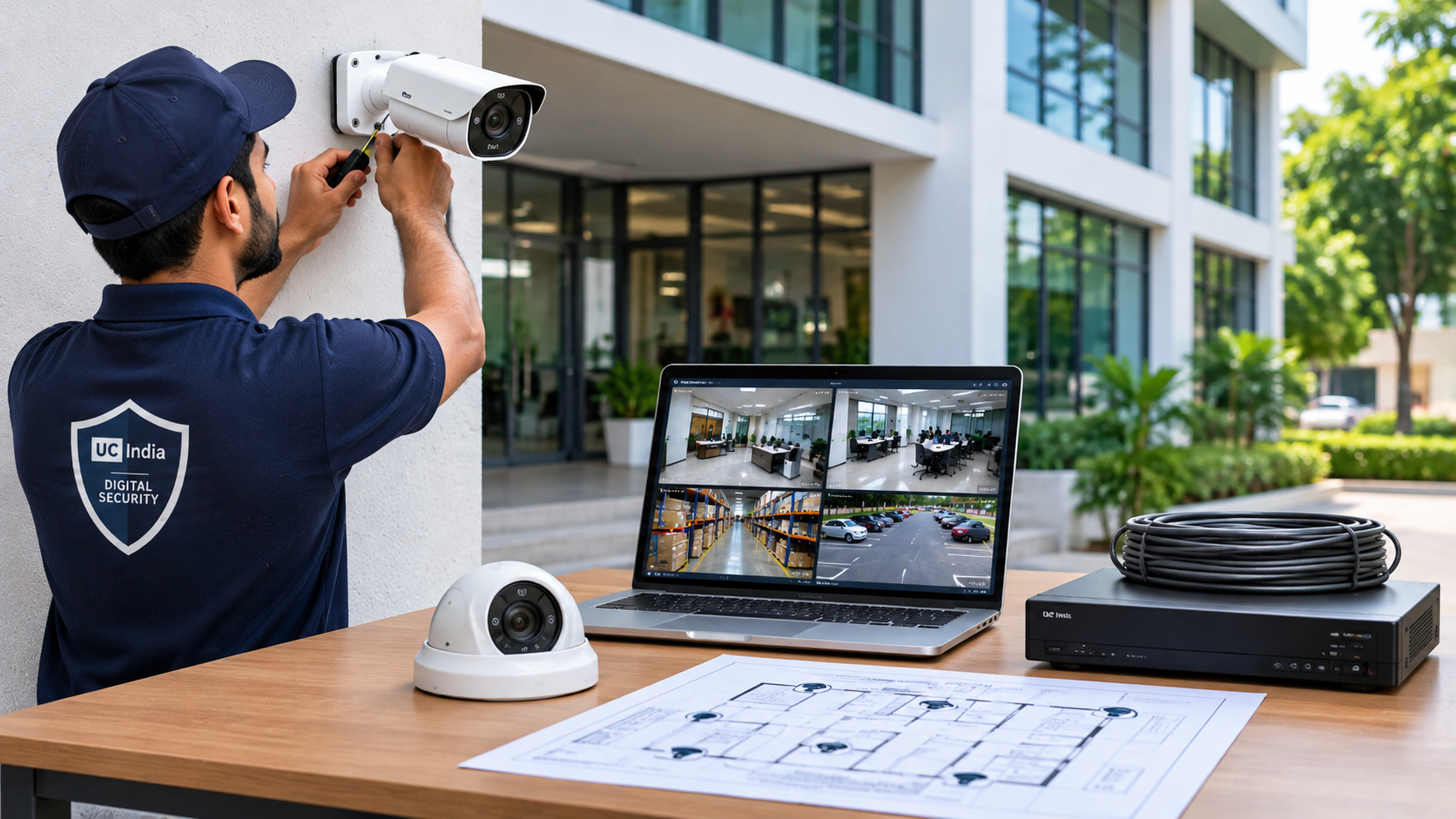
Installing CCTV cameras is not just about choosing a camera and fixing it to a wall. A good CCTV camera installation starts with understanding the property, identifying important areas and deciding how video footage will be recorded, stored and reviewed.
Every property has different security requirements. Residential houses, retail stores, offices and warehouses may need different camera positions and coverage. Digital Security Guard helps property owners plan a CCTV camera system according to their site layout and security requirements.
1. Review the Site and Plan Camera Coverage
Before installing cameras, walk through the property and identify the areas that need monitoring. These may include:
- Main entrances and exits
- Reception areas and hallways
- Cash and payment counters
- Storage rooms and warehouse spaces
- Outdoor parking areas and property perimeters
- Other important access points
The aim is to position cameras so they provide a clear view of important areas without leaving unnecessary blind spots.
Before confirming camera locations, consider lighting conditions, camera distance, mounting height and possible obstructions. A proper CCTV site survey helps determine how many cameras are required and where they should be installed.
2. Select the Right CCTV Cameras for Different Areas
Different camera types serve different purposes. The right choice depends on the installation location, viewing requirements and available network infrastructure.
Dome Cameras
Dome cameras are commonly used in indoor areas such as offices, reception areas, retail shops and corridors. Their compact design makes them suitable for a wide range of indoor applications.
Bullet Cameras
Bullet cameras are often considered for outdoor monitoring. Their visible design can be useful for monitoring entrances, building perimeters and open areas.
IP Cameras
IP cameras transmit video over a network. They are suitable for installations that require network-based monitoring and remote access.
Wi-Fi Cameras
Wi-Fi cameras can be useful in selected locations where running network cables is difficult. Their suitability depends on wireless coverage, power availability and connection stability.
PTZ Cameras
PTZ cameras offer pan, tilt and zoom capabilities. They are useful where operators need to adjust the viewing angle or zoom in on specific areas.
Choosing the right CCTV security cameras for each location helps create a system that matches the property’s actual coverage requirements.
3. Plan CCTV Recording and Storage
Cameras are only one part of a complete surveillance system. You also need to decide how video footage will be recorded, stored and accessed.
Depending on the camera system, recording can be managed through a DVR or NVR. Before installation, consider the following requirements:
- How many days of video footage do you want to retain?
- How many cameras will be connected to the system?
- What recording resolution and frame rate are required?
- Which recording schedules and compression settings will be used?
- Who will be authorised to access recordings?
- Is remote viewing required?
These factors determine the required storage capacity, so it is important to plan them before installation. A suitable recording and storage setup helps avoid unexpected limitations after the system is installed.
4. Consider Night-Time Visibility and Regular Maintenance
CCTV cameras should provide useful footage in both daylight and low-light conditions. Check how the property looks after dark, paying special attention to entrances, parking areas and outdoor locations.
Infrared night vision, suitable lighting and correct camera placement can all affect the quality of recorded footage.
Once the system is installed, regular maintenance is also important. Keep camera lenses clean, check that power and network connections are working properly, and periodically confirm that recording and playback are functioning as expected.
These basic checks help identify common problems before they affect the performance of your CCTV surveillance system.
5. When Should You Hire a Professional for CCTV Installation?
Not every property can be covered with a simple camera setup. Professional assistance may be useful if your property has:
- Multiple floors or buildings
- Several entrances and exits
- Large outdoor perimeters
- Multiple camera positions
- Complex networking or cabling requirements
- Specific recording and remote access needs
A professional CCTV site survey can help coordinate camera locations, cabling, recording equipment and remote viewing into one practical installation plan.
It also helps ensure that the proposed CCTV installation services match the property’s layout and security requirements.
6. Design a CCTV System for Your Property
Every property has different security priorities, so the same camera setup may not work for every location.
If you are planning CCTV camera installation for your home, retail shop, office or warehouse, share your property type, location and approximate number of cameras with Digital Security Guard.
The team can discuss suitable camera placement, recording options and maintenance requirements based on your site. A well-planned installation helps you monitor important areas and manage your security footage more effectively.